CEO
Rolling out multi-factor authentication increases help desk workload and support costs long before the business sees improved security. The biggest changes land on support teams, not on risk, in the early weeks.
Adding multi-factor authentication to a login process looks simple on paper: a password stops being enough, and a second check takes over the job of proving who someone is.
The complication shows up in the gap between that one-line design and the hundreds of individual logins it suddenly touches, and that gap lands first on the help desk.
The pattern starts with how sign-in habits break. A user who has typed the same password for years now has to pull out a phone, open an authenticator app, or wait on a push notification, and that single extra step is where the friction concentrates. Most of it surfaces in the first few attempts, before the new habit sets in.
Underneath that friction sits the actual mechanism: multi-factor authentication asks for something beyond what a person knows, adding a second factor built from something they have or something they are. A text code, a physical security key, a fingerprint scan — each works the same way, forcing an attacker who already has a stolen password to clear a second, separate hurdle. That second hurdle is the whole point, but it's also exactly what trips up a new user who's never had to clear it before.
So the cost most businesses budget for — software licenses, hardware tokens — turns out to be only part of the bill. The part that catches teams off guard is the stretch of time the support staff spends walking people through logins that used to take no explanation at all, well before any security benefit becomes visible.

A new authentication method changes the daily routine for everyone who logs in, but the help desk absorbs the first wave before anyone else notices a thing. The trouble tends to show up right at that first login attempt after the switch, when a forgotten second factor, a misplaced phone, or a step nobody fully explained turns a routine sign-in into a stuck one.
Multiplied across a workforce, that moment becomes a surge of tickets, most of them urgent because a locked-out user can't simply wait until tomorrow. They're no longer the old password resets; they're lost tokens, authenticator apps that won't sync, verification codes that never seem to arrive. Each one needs a support staffer to walk the user through the same steps, sometimes more than once.
That surge is exactly why staffing needs can spike right after deployment. A budget built only around license costs leaves no room for the extra hours support ends up logging, and the shortfall is felt hardest where IT teams were already stretched before the rollout even began — a familiar pressure for teams in Chicago.
Meanwhile, the security payoff that justified the whole project is still invisible. Attackers keep probing accounts the same way they did before, and the immediate, measurable effect isn't a drop in incidents — it's a help desk working as the front line of a transition that hasn't finished yet.
Once MFA goes live, the nature of support requests shifts almost overnight, moving from one predictable category — the forgotten password — into several newer, messier ones.
Each line item draws directly on IT staff time, and because the volume peaks in the first few weeks after rollout, the help desk needs to be ready for that load before it arrives, not after.
For a company in Chicago, rolling out multi-factor authentication reaches further than the login screen; it reshapes how the support staff spends its day. Given the city's mix of industries and business sizes, some teams absorb that shift quickly while others need considerably more runway.
Compliance adds another layer on top of that adjustment. Certain industries in Chicago operate under strict identity and access management rules, which makes MFA less a best practice than a requirement — yet even when a regulation is what drives the rollout, the immediate effect still lands on support operations rather than on any measurable drop in risk.
So the planning question worth asking before rollout isn't just which MFA method to choose, but how the help desk will carry the transition — because that load, while temporary, is real enough to show up on the bottom line if nobody accounted for it.
That transition isn't a single event but a sequence, and multifactor authentication moves the help desk's workflow through several distinct stages, each with its own demands.
Right after deployment, first encounters with the new system drive a spike in requests, most of them urgent enough to need an immediate fix.
Support staff race to master the new authentication method's details, rewriting guides and FAQs so users have somewhere to turn besides the phone line.
As recurring issues come into focus, the help desk tightens its processes around them, and staff start resolving MFA-related problems with more speed and confidence.
With the rough edges worked out, support requests gradually taper off as users settle into the new login routine.
A smaller group of users keeps needing help, typically after changing devices or traveling, and the help desk settles into a new normal built around fewer but more specialized requests.
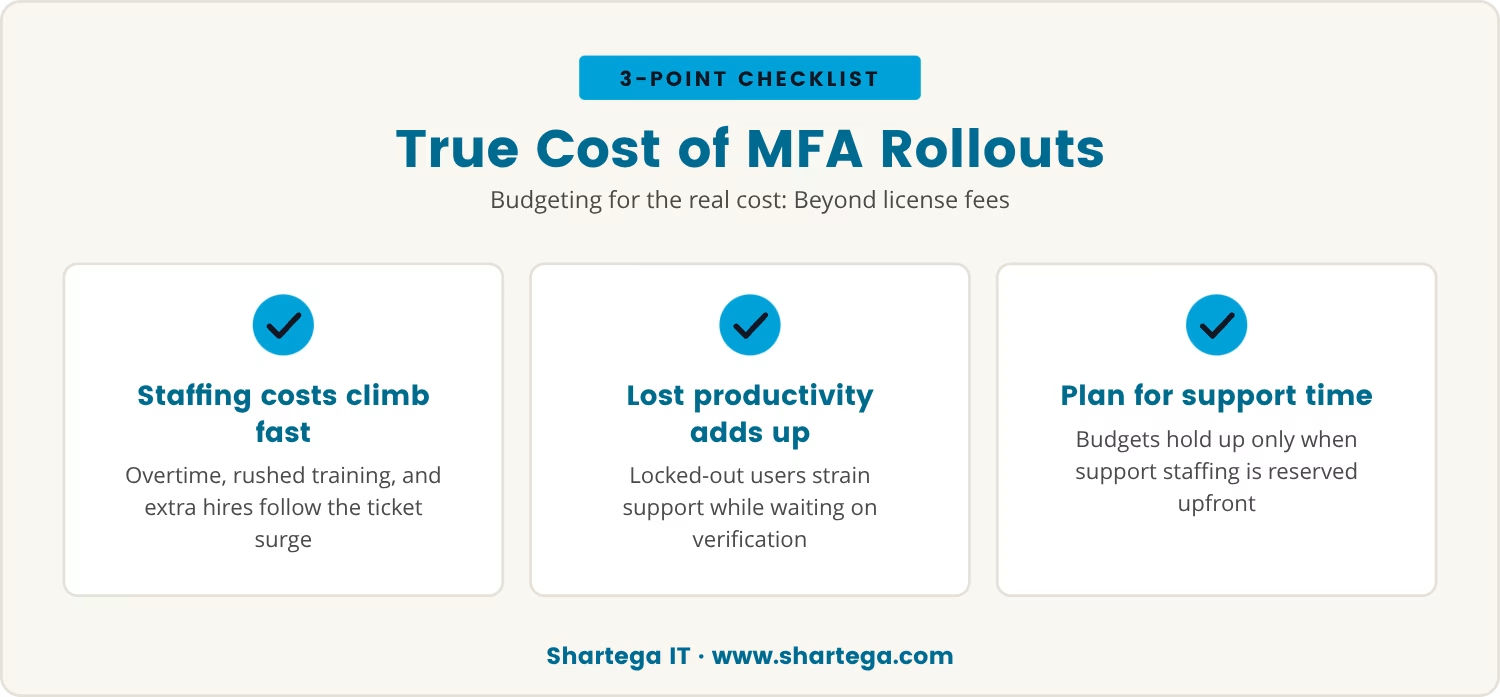
Most mfa budgets are built around the visible costs: software licenses, hardware tokens. What that figure leaves out is the support labor the transition actually consumes.
Left unplanned, staffing costs climb fast once the ticket surge hits, pulling in overtime, rushed training, or extra hands brought on just to cover the spike — costs that are easy to miss in advance and quick to add up once they arrive.
Beyond direct staffing, there's the matter of productivity lost while people sit locked out of their accounts or stuck mid-verification. Every minute of that downtime puts more pressure on support to resolve it fast, which in turn strains the very staff already absorbing the ticket surge.
Accounting for both costs up front, not just the technical rollout, is what keeps the budget from breaking later. A rollout plan that reserves time and staffing for support alongside the technical work is the only version that holds up against the real numbers.
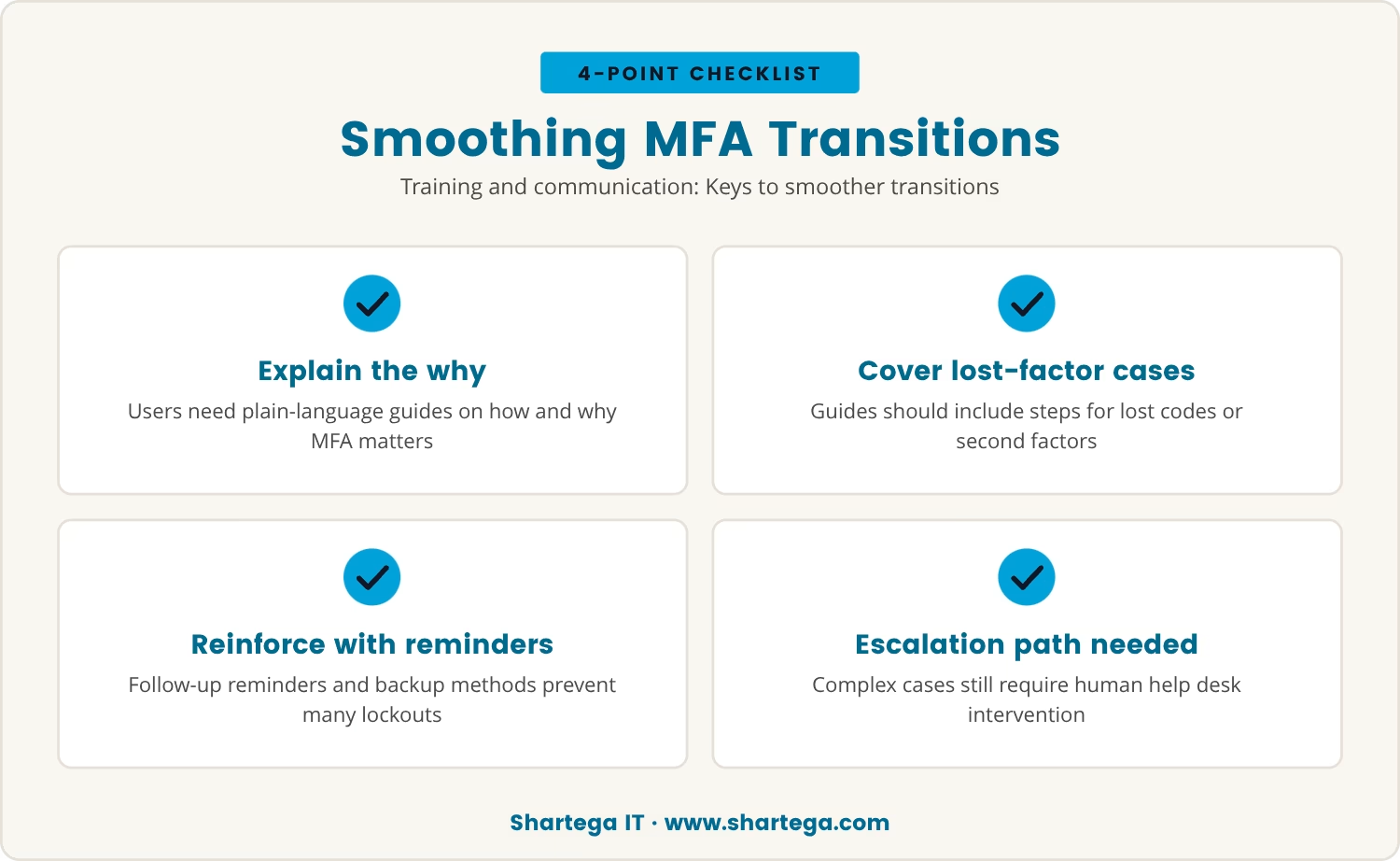
If budgeting addresses the cost side, training addresses the cause, since a smoother mfa rollout starts with users understanding not just how the new system works but why it's worth the extra step.
Step-by-step guides and short training sessions, delivered in plain language with concrete examples of two-step verification, give users a reference point before they ever hit a snag — including clear instructions for what to do if the second factor is lost or a code won't arrive.
Reminders that follow up after the initial training keep the right habits in place, and encouraging backup methods — an alternate phone number, a set of recovery codes — closes off many of the lockouts before they happen.
Even with all that preparation, some issues will still need a human to step in, so the help desk needs a clear escalation path for the complex cases, ensuring no one is left waiting on access to their own account.
All of that preparation serves the original goal, since improving cybersecurity is the reason multi-factor authentication gets implemented in the first place. The return on it isn't instant: attackers keep testing accounts the same as before, and it takes time for the new system's value to become measurable.
That timeline explains the shape of the whole rollout: the help desk's workload peaks early, and only as users adapt does support demand fall while the business's actual security position improves. Successful phishing attempts and unauthorized access attempts decline, but gradually, not all at once.
By the time that improvement is visible, the help desk has already absorbed the surge and settled into its new routine. The disruption faded, but it leaves behind a clear lesson about planning for the human side of any security change.

Many businesses with 20 to 300 users, especially those with 30 or more, find that help desk demands rise quickly when multi-factor authentication is introduced. At Shartega IT, we understand how this shift can catch teams off guard and impact daily operations.
If you want to see how we approach these transitions, or if you’d like to talk about your own setup, we invite you to start a conversation with us.
Sign up with Shartega and your business will get the first 2 months free, making it easier to manage the costs of adapting to new authentication systems.
Preparing users before the rollout, with clear instructions, training sessions, and easy-to-follow setup guides for their authentication factor, cuts down on confusion-driven tickets. Making backup options easy to find for anyone who loses a device or hits a snag reduces lockouts specifically. Confidence going in translates directly into fewer calls coming out.
Lost devices, codes that fail to arrive, and uncertainty about how to operate an authenticator app account for most of the trouble. Difficulty completing the second-factor setup or getting locked out after repeated failed attempts round out the rest. Clear communication paired with accessible support resources addresses nearly all of it.
No; the support burden varies by method. Biometric options such as fingerprint or face recognition tend to be easier for users, while hardware tokens or sms codes generate more questions. Matching the mfa type to the team using it directly affects how much help desk support gets needed.
Early on, login delays and identity-verification snags can slow work down and drive more help desk activity. As familiarity builds, productivity returns to its prior level and the support load eases off. The dip is temporary, tied specifically to the adjustment period rather than to the system itself.
A clear recovery process handles this: verify the user's identity through another channel, reset the authentication method, or issue a temporary code. Help desk staff trained to move through these steps quickly keep the user's downtime to a minimum.


