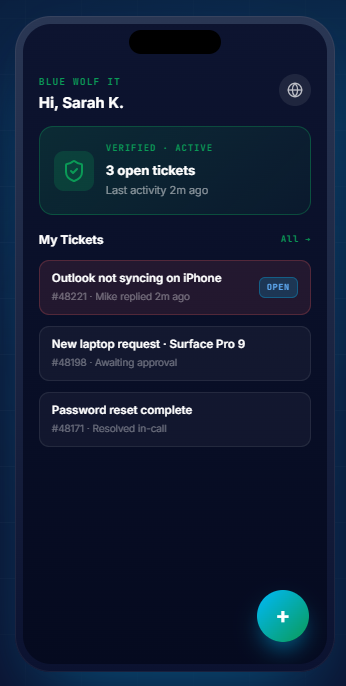
Open the IT Support Portal for quick access to the Shartega IT Support Team. If you’re a current Shartega IT client, you can use the portal to submit and track support tickets. It’s the preferred way to get help from our team.
Open IT Support Portal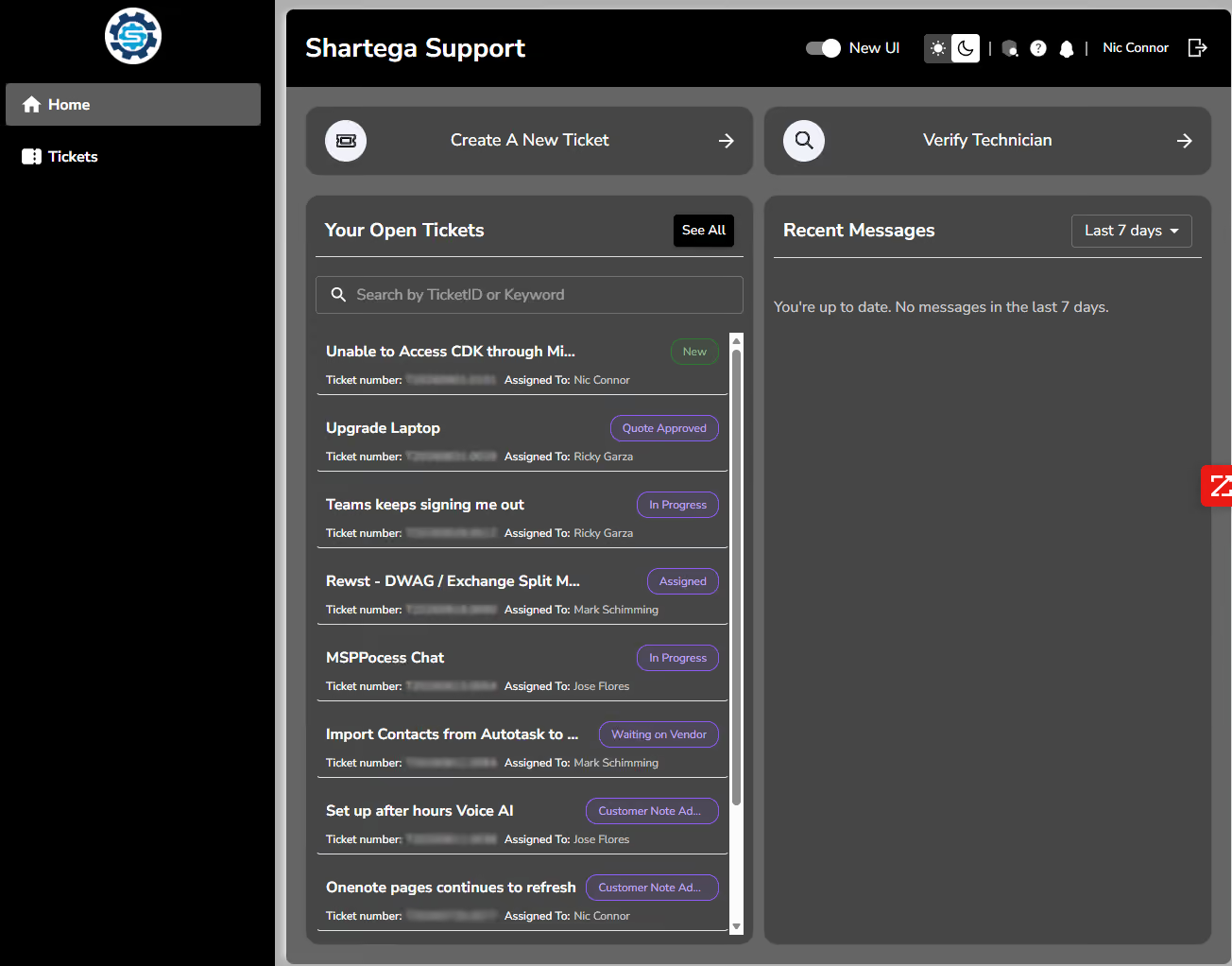
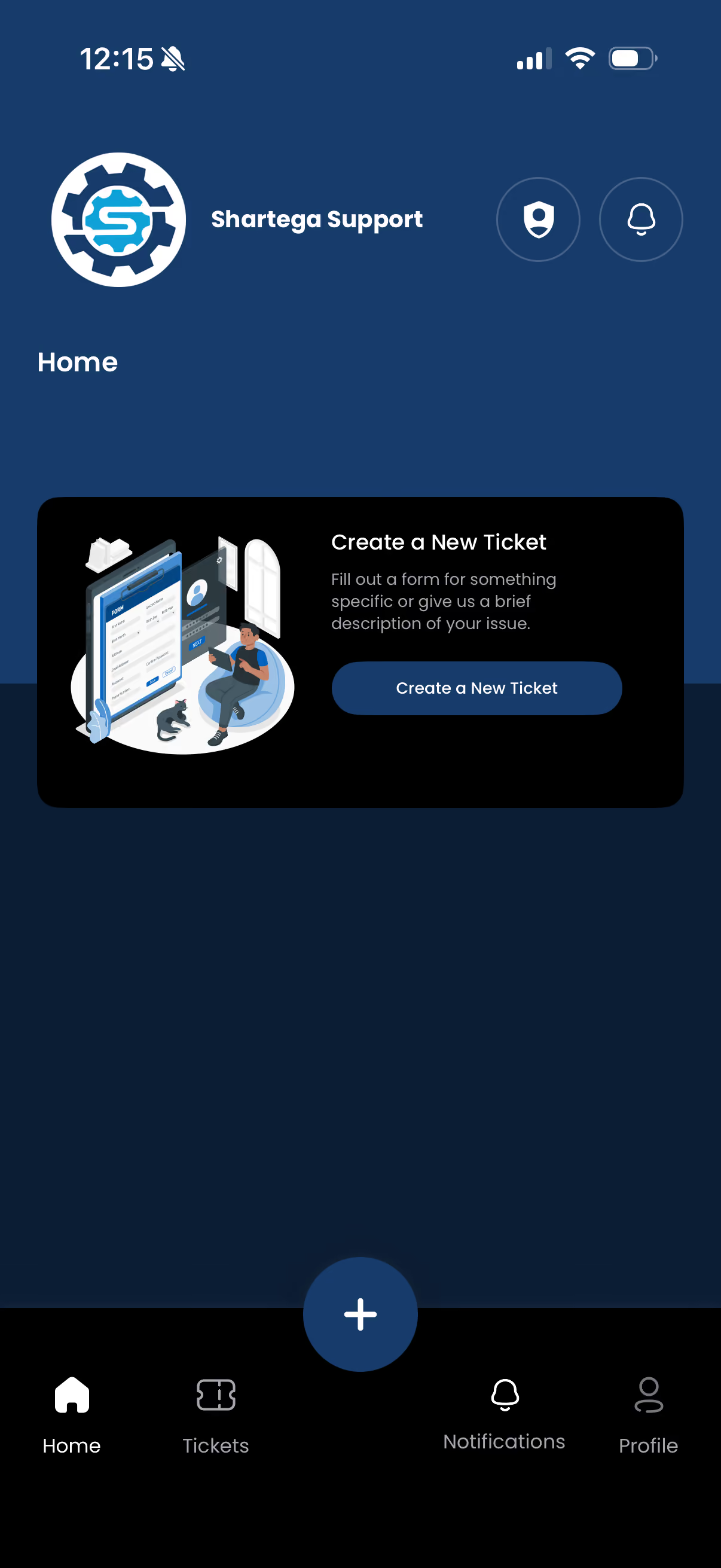
Manage support requests on the go with the MSP Client Portal mobile app.
Android/ Google Play: Download for Android
iPhone/ iPad App Store: Download for iOS
After installing the app, register it using the QR code provided below.

Click the Microsoft button and sign in using your Microsoft 365 credentials.
If you need immediate support, don’t wait. Contact our direct help desk line at (773) 305-3500 and speak with a technician who can help you now.
(773) 305-3500
Open a ticket by sending an email to help@shartega.com with a description of the problem you are experiencing.