CEO

What we keep hearing from businesses is that they often think their current security tools are enough to stop a ransomware attack—until they face a real incident. The reality is, even companies with strong IT teams can miss small gaps that leave them open to ransomware infection.
"A single overlooked update or weak password can be all it takes for a ransomware attack to succeed."
Industry research shows that ransomware attacks have increased every year, with businesses of all sizes becoming targets. Attackers use malicious software to encrypt your files and demand a ransom for the decryption key. If you don’t have reliable backups or a plan, you might feel forced to pay the ransom just to get your data back. Understanding how these attacks work and what you can do to prevent them is key to keeping your business safe.
Ransomware is a type of malware that locks or encrypts your files until you pay a ransom. Attackers usually send a ransomware note with instructions on how to pay. There are many ransomware variants, each with its own tricks. Some target large networks, while others go after smaller businesses.
The way ransomware works is simple: it sneaks into your system, often through a phishing email or a weak credential, and starts encrypting important files. Once the encryption is complete, you get a ransom demand. Attackers hope you’ll pay quickly so you can get back to work. But paying doesn’t always guarantee you’ll get your data back, and it can encourage more attacks.
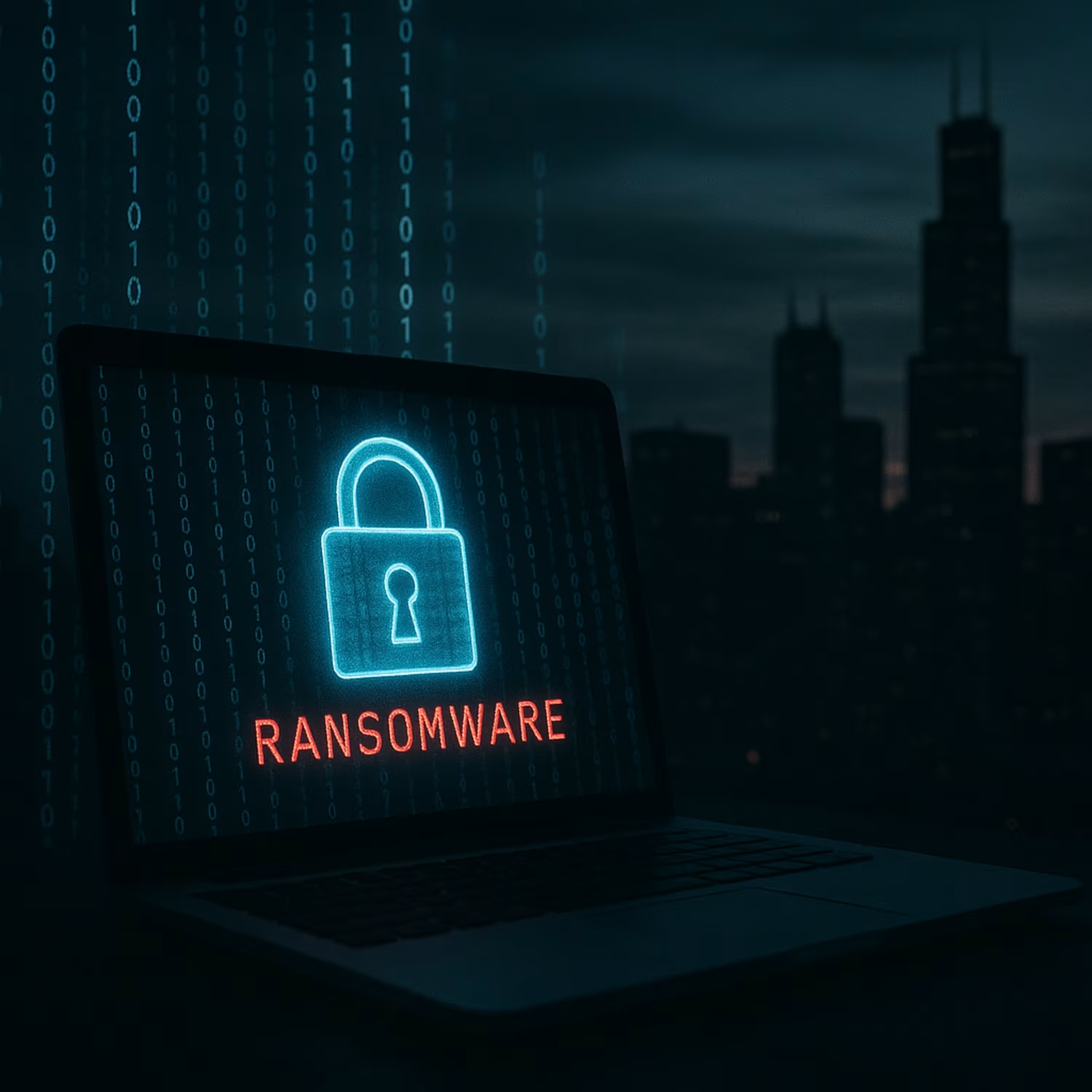
Even experienced teams can make errors when facing a ransomware attack. Here are the most common mistakes to avoid:
Many businesses skip regular backups or don’t test them. Without a current backup, recovering from a ransomware attack becomes much harder. Always keep backups offsite or in the cloud, and test them often.
Quick ransomware detection is critical. If you wait too long to spot an attack, more files will be encrypted. Use monitoring tools that alert you to suspicious activity right away.
Old antivirus software may not catch new ransomware variants. Make sure your ransomware protection is up to date and includes advanced threat detection features.
Employees are often the first line of defense. Without proper training, they might click on malicious links or download unsafe files, leading to a ransomware infection.
Some businesses pay the ransom immediately, hoping for a quick fix. But paying doesn’t always work, and it can make you a target for future attacks. Explore recovery options first.
Attackers often exploit outdated software. Regularly update all programs and operating systems to close security gaps.
Weak or reused passwords make it easier for attackers to get in. Use strong, unique passwords and enable multi-factor authentication wherever possible.
Every business should look for these features in their ransomware prevention plan:
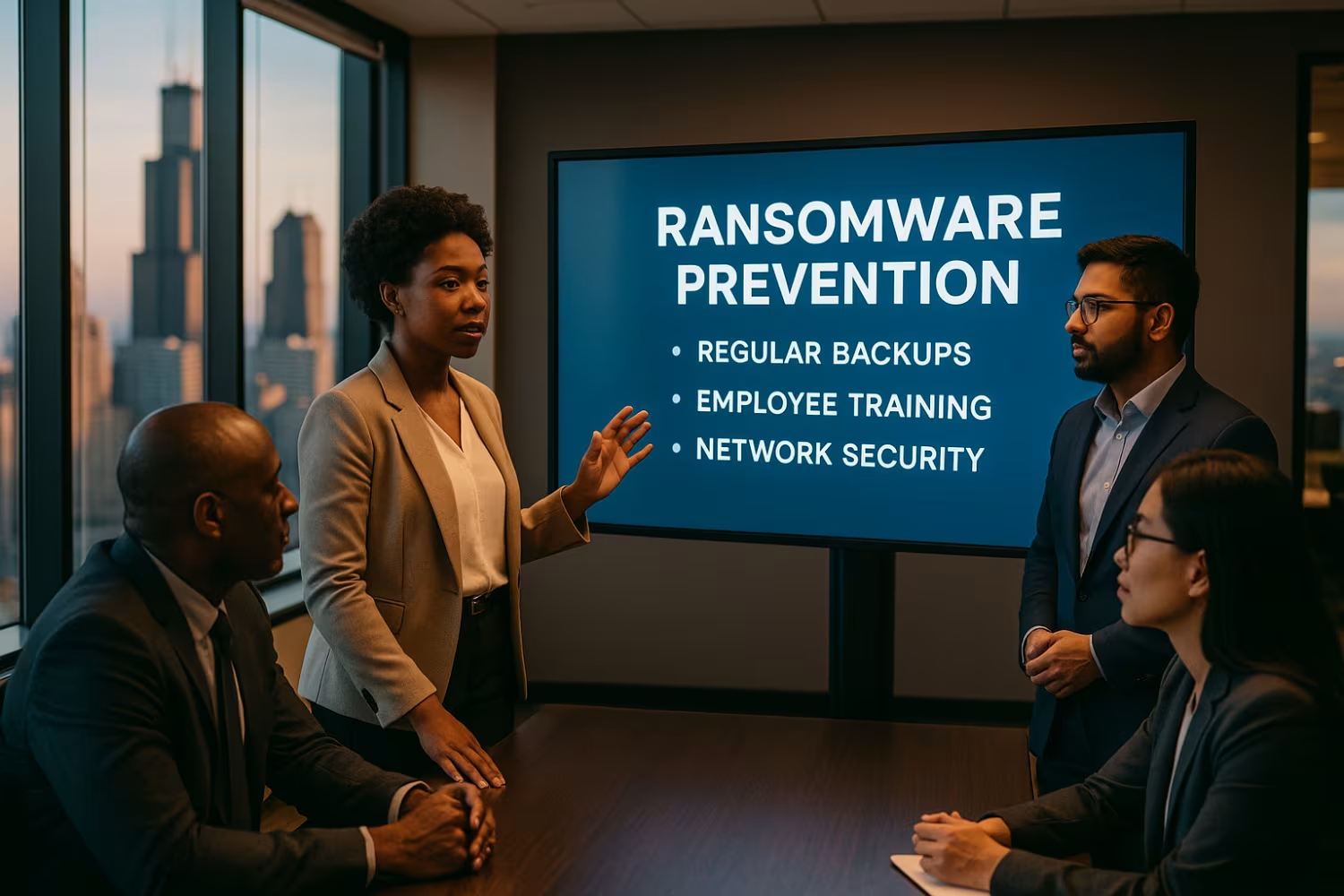
A ransomware attack can bring your business to a halt. When files are encrypted, you might lose access to customer data, financial records, or even your main systems. This downtime can quickly lead to lost revenue and damage your reputation with clients and partners.
The cost of a ransomware attack goes beyond the ransom itself. You may need to pay for IT experts, new security tools, or even legal help if sensitive data is exposed. Recovering from an attack can take days or weeks, especially if you don’t have a strong backup or recovery plan in place. That’s why ransomware prevention and quick response are so important.
Preventing ransomware attacks takes a mix of technology and good habits. Here’s how you can lower your risk:
Choose security tools that can spot and block the latest ransomware threats. Look for solutions that use behavior analysis to catch suspicious activity.
Teach employees how to recognize phishing emails and avoid unsafe downloads. Regular training makes everyone more alert to cyber threats.
Keep your operating systems and software up to date. Attackers often look for known vulnerabilities in outdated programs.
Store backups in a separate location or in the cloud. Make sure they can’t be accessed from your main network, so attackers can’t encrypt them too.
Only give employees access to the files and systems they need. This reduces the damage if one account is compromised.
Set up alerts for strange behavior, like large numbers of files being changed quickly. Early warning can help you stop an attack before it spreads.
Have a clear plan for what to do if a ransomware attack happens. This includes who to call, how to isolate affected systems, and how to start recovery.
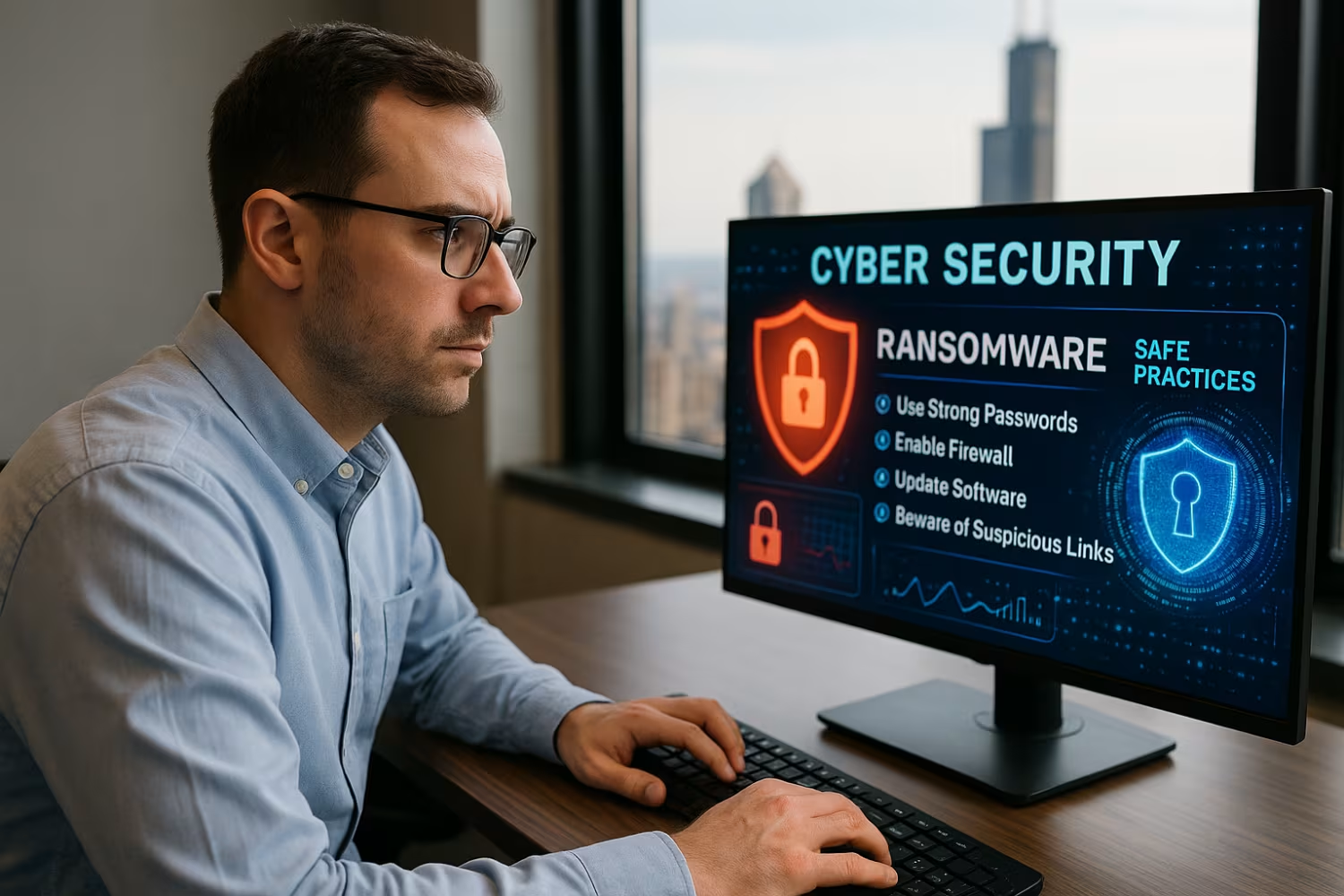
Putting your ransomware prevention plan into action means more than just buying software. Start by reviewing your current security setup and identifying any weak spots. Make sure your backup process is working and that you can restore files quickly if needed.
Regularly test your incident response plan with your team. Practice drills help everyone know what to do in a real ransomware attack. Stay informed about new ransomware variants and update your defenses as threats evolve. Finally, keep communication open with your IT provider or security partner so you can act fast if something goes wrong.
Following these best practices can help keep your business safe:
Staying proactive with these steps can make a big difference in your ransomware prevention efforts.

Are you an auto dealership or business with 20 or more users looking to strengthen your defenses? If your team is growing and you want to avoid the costly downtime caused by a ransomware attack, it’s time to take action.
We understand the challenges businesses face when it comes to ransomware prevention and recovery. Our team at Shartega IT specializes in helping companies like yours build reliable systems, train staff, and respond quickly to cyber threats. Contact Us today to learn how we can help you protect your business and recover from ransomware attacks.
Ransomware is a type of malware that attackers use to encrypt files on your network. Once inside, it can spread quickly and lock important data, making it inaccessible until a ransom is paid.
Attackers often gain access through phishing emails or weak credentials. Having strong password policies and employee training can help reduce the risk of a ransomware infection.
A ransomware attack usually starts when a user clicks a malicious link or downloads an infected file. The malware then encrypts files and displays a ransom note with payment instructions.
If you suspect an attack, disconnect affected systems from the network right away. Contact your IT provider and avoid paying the ransom until you explore all recovery options.
There are several types of ransomware, including crypto ransomware, locker ransomware, and ransomware-as-a-service. Each type uses different methods to lock or restrict access to data.
Some ransomware variants target backups or cloud storage to make recovery harder. Knowing the types of ransomware attacks can help you prepare better defenses.
Paying the ransom does not guarantee you will get your files back. Attackers may not provide the decryption key even after payment, and it can encourage more attacks.
Instead, focus on restoring data from backups and working with IT experts to recover from ransomware without paying. Reporting the attack to authorities is also recommended.
To protect against ransomware, use updated security software, train your team, and secure your backups. Multi-factor authentication and regular software updates are also important.
Prevent ransomware attacks by monitoring for unusual activity and limiting user access to sensitive files. A clear incident response plan helps you act fast if an attack happens.
Early ransomware detection relies on monitoring tools that alert you to suspicious changes, like rapid file encryption or unusual login attempts. Quick detection limits the spread of the malware.
Having a backup strategy and clear recovery plan can help you recover from ransomware faster. Regularly test your systems to make sure you can restore files and minimize downtime.


%2520(1).avif)